
Turn Hard Copy Assessments into Digital Items
Automate Assessment Onboarding into YOUR Platform
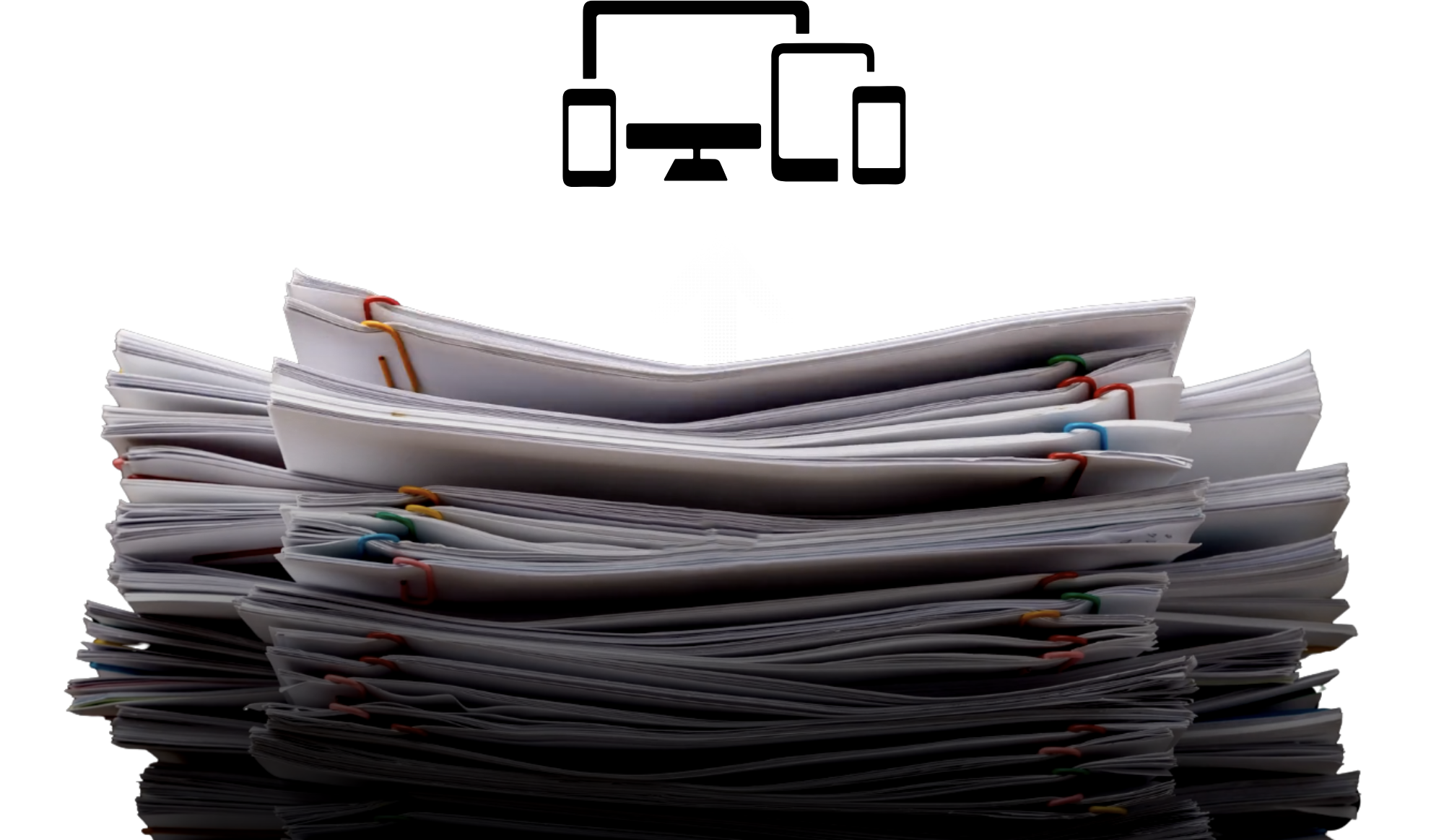
Stand Out From Competitors
Keep Using Trusted Assessments without Recreating Them

Turn Any Paper Assessment into Digital Items
Import Items From Any PDF, Word, or Image File


Give Educators More Time
Automate Assessment Onboarding into YOUR Platform
Import Any
Paper or Digital Assessment

Replicate All
Item Content Automatically
Assign New Items Instantly

Key
Features
Allow educators to transition from paper and electronic formats to digital with ease and efficiency.
-
Start with paper, a PDF, a jpg, or even a photo, and end up with a complete digital conversion.
-
Capture questions, diagrams, passages, rubrics, tagged answers, and learning standards.
-
Use a computer, smart phone, tablet, or desktop scanner to onboard existing assessments.
-
Add items to assessments and item banks without manual data entry.
Seamlessly Integrate into Your Systems
☑
Assessment Creation Workflows
☑
Onboarding Content Migration
☑
Item Bank Compatibility

ITEM IMPORTER + FORM SCANNING
Instantly Score Imported Items With Form Scanning
The fastest way to turn any assessment into actionable data.